











Movement Screen Tutorials – SquatScreen, PushUp Screen and more
On this page 5 sections
Summary
SquatScreen is an assessment module within the PostureScreen for iOS.
Movement Assessments Currently Include:
- Overhead Lateral Squat Assessment
- Overhead AP Squat Assessment
- Overhead PA Squat Assessment
- Single Leg Squat Assessment
- Push-up Plank Assessment
- Generic video capture with annotation overlay
AUTOMATIC EXERCISE SUGGESTIONS: Automatic exercise suggestions based off the movement screen analysis is available currently for only the lateral Squat and PushUp Plank. In the near future, the Anterior and posterior exercises will also be linked. Please Note a paid WEBEXERCISES subscription is required through their company to use exercise prescriptions. You can learn more about WebExercises by clicking HERE
A Sample Report is also attached at the bottom of this article
How to Begin a Movement Screen#
You must have the client’s RIGHT side facing the camera for assessment! Please also note the application has been updated since the recording of these tutorials, the flow is very similar, the difference is the application will auto crop the image now. You can however, choose to re-crop and resize the Start and End captures. Updated tutorials are planned, stay tuned.
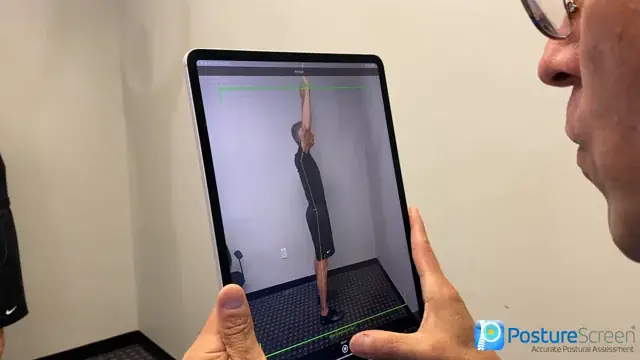 4:28
4:28
Lateral SquatScreen with Augmented Reality
SquatScreen – FRONT (ANTERIOR) View Tutorial#
Note that the PA view is same exact method as this presented here for the AP view. As well as the Single Leg Squat Tutorials, identical workflow and order along with similar landmarks.
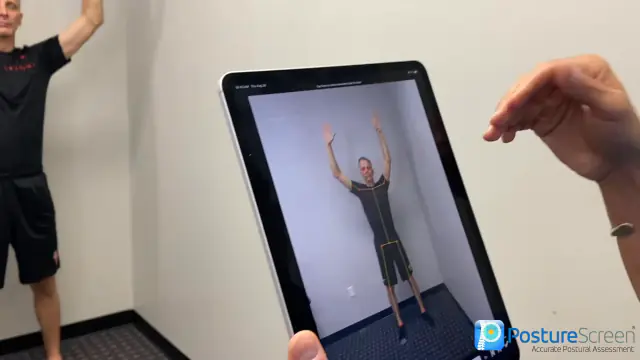 2:39
2:39
Pushup-Plank Screen#
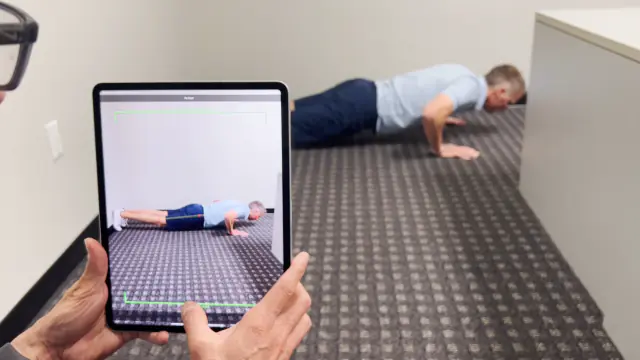 3:01
3:01
Movement Screen Comparison Tutorial (requires comparison upgrade)#
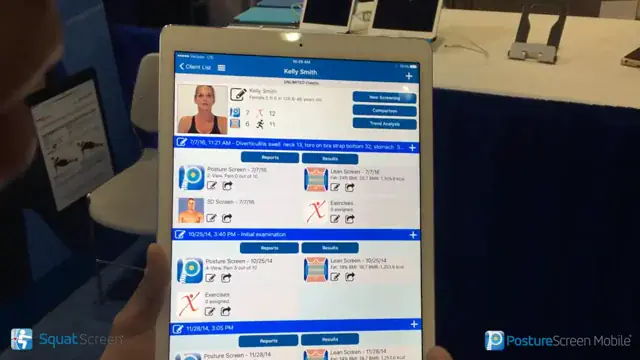 3:18
3:18
Multiple Video Capture Tutorial – Speeding Up Assessments#
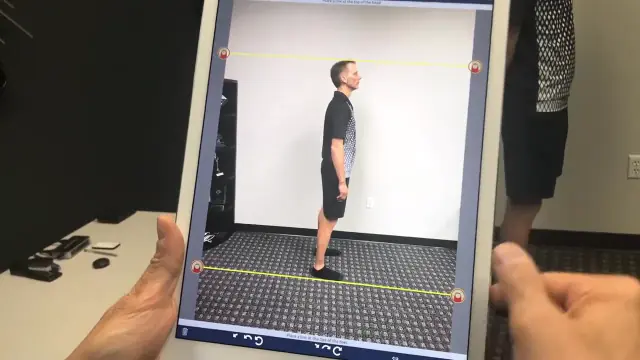
In this tutorial we will review how to speed up your client interaction allowing for obtaining photos and multiple video captures for movement screen.
Please note that if you are just obtaining photos, you can simply do this first portion in the video, and click “Save and Finish Exam Later” as well.
Capturing the photos and videos in a short amount of time, allows you time to perform the assessment without feeling pressured to perform right in front of the client. This is important if you are going to process a group of people at the same time for a health screening event, or if you are in a gym and have a group class evaluation.
 5:41
5:41
MovementScreen_Combined_Smith-Kelly_2016-06-05_2Download
How to Edit a Movement Screen
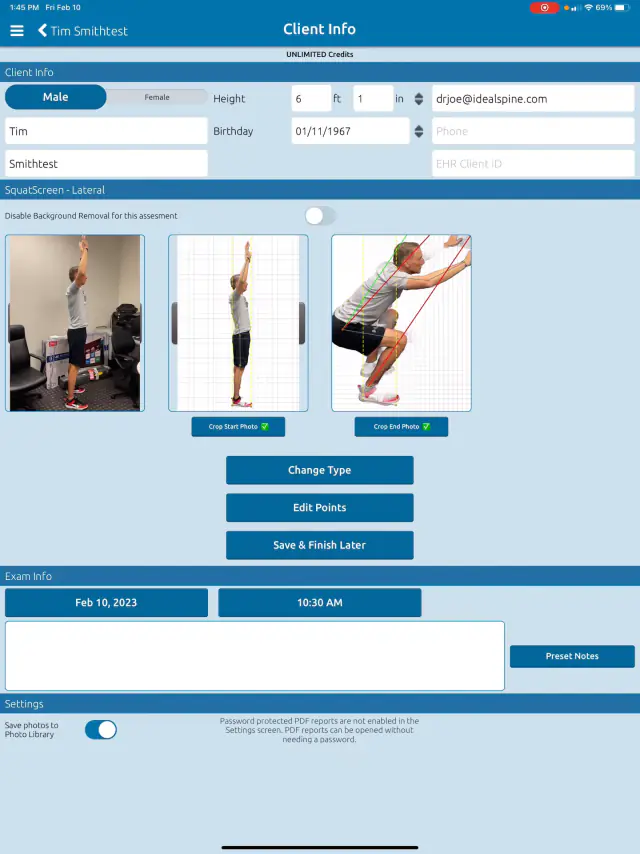
Regardless of what movement screen you need to edit, the process is the same.
 4:13
4:13
Related articles
-
 PostureScreen for iPad & iPhone
Preview SquatScreen Movement Results
This tutorial reviews how you can review the PDF as well as the results that will be emailed to the client as an attachment for movement…
Video · 2:14
PostureScreen for iPad & iPhone
Preview SquatScreen Movement Results
This tutorial reviews how you can review the PDF as well as the results that will be emailed to the client as an attachment for movement…
Video · 2:14
-
PostureScreen for iPad & iPhone
How to edit a Movement Screen
Regardless of which movement screen you have performed, this same processes is in place for editing points, background, orediting and…
Video · 4:13
-
PostureScreen for iPad & iPhone
SquatScreen Zoom Workaround
In this video we show how to work around the zoom that occurs with autozoom on the squatScreen module. This will be addressed in future…
Video · 1:53
-
PostureScreen for iPad & iPhone
Sample Reports generated from PostureScreen
Posture Assessment 2 View Client Posture Assessment 4 View Professional Posture Assessment Comparison (Client) Posture Assessment…
1 min read
-
PostureScreen for iPad & iPhone
Annotating Movement Screen Videos
In this tutorial we will review how to annotate a Lateral SquatScreen Assessment. Many people already know we can video a generic movement…
Video · 3:401 min read
-
PostureScreen for iPad & iPhone
How to Export SquatScreen jpg Images
In this tutorial we will review how to export jpg images from SquatScreen and use the iOS sharing feature.
Video · 3:20
Have a question?
Talk to the people who build PostureScreen and PostureRay.
PostureScreen support is by email. Live PostureRay support runs Monday through Friday, 9 AM–5 PM Eastern (excluding U.S. holidays).