










The right iPad and iPhone for PostureScreen®.
Which iPad should you buy? Our device, storage, cloud and multi-device answers, in one place. In short: buy the most capable iPad you can reasonably afford, give it room for video, and set it up with a dedicated Apple ID for your business.
iPad and iPhoneiOS 26 or iPadOS 26 or later
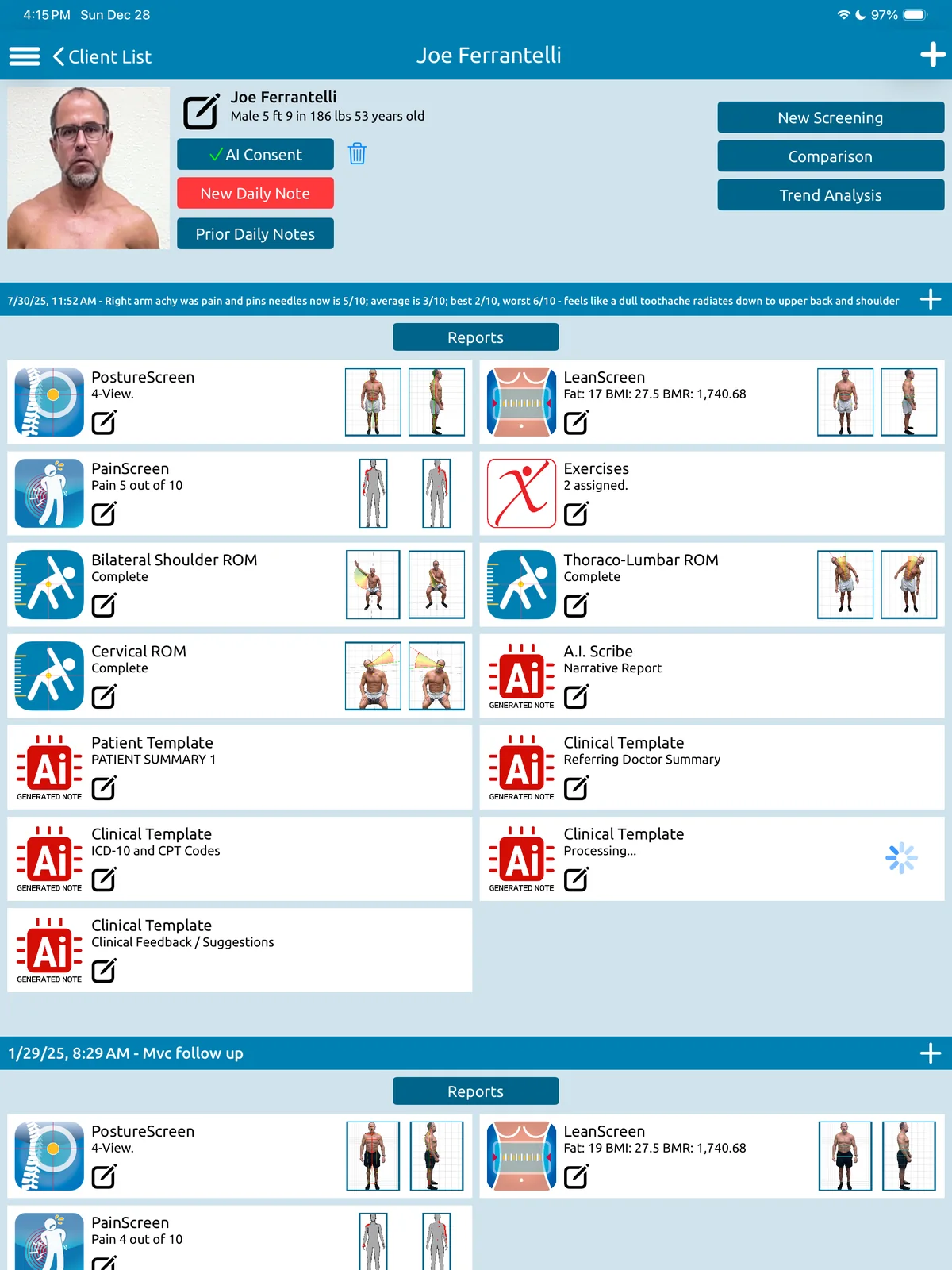
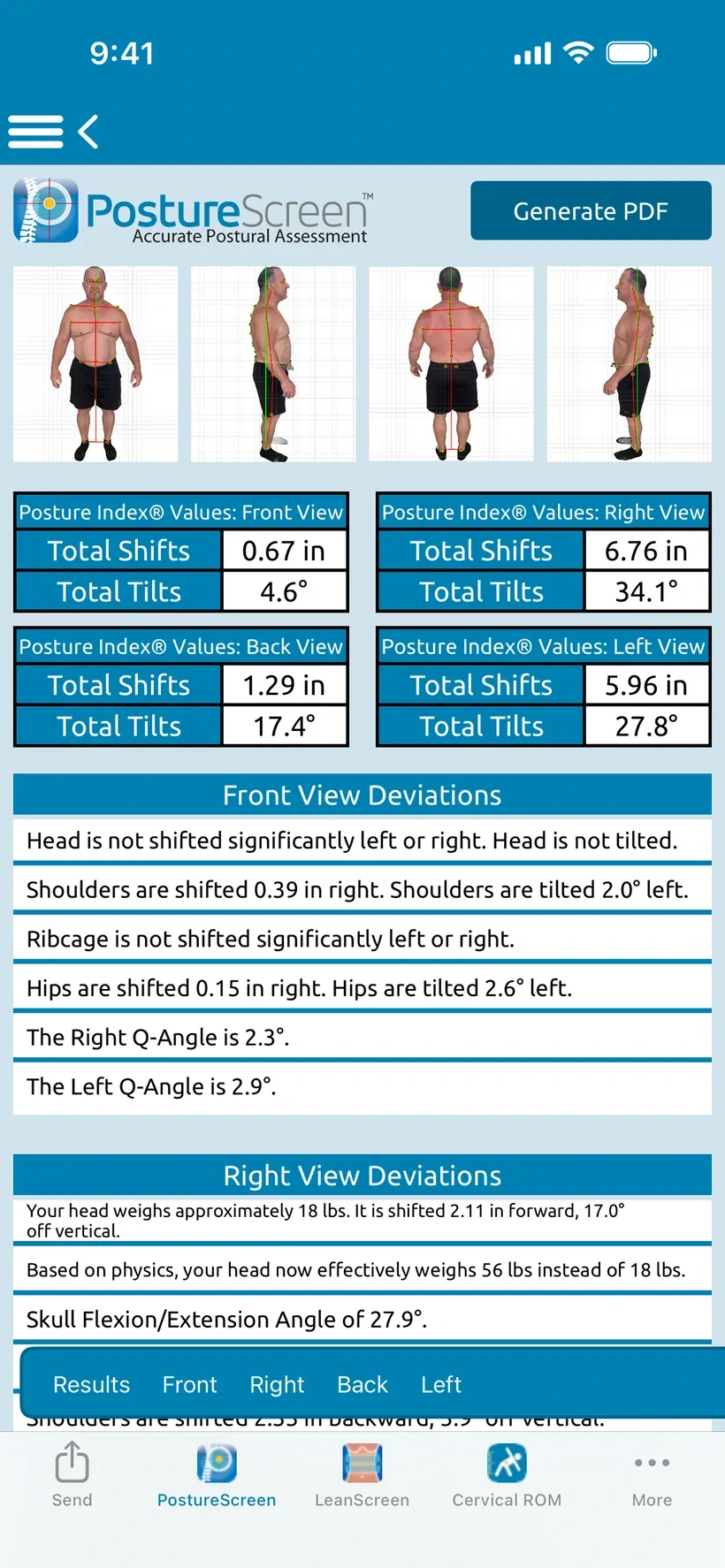
Compatible devices at a glance
PostureScreen® runs on iPad and iPhone. These are the recommendations PostureCo™ gives practices choosing a device.
- Requirement
- iOS 26 or iPadOS 26 or later. Check Apple’s compatibility lists before you buy.
- Which iPad
- The most capable iPad you can reasonably afford: newer iPad Air or iPad Pro models get updates for longer.
- Storage
- A base model stores thousands of posture exams. Choose more storage for video and movement screens.
- Devices
- One subscription covers up to 10 devices under the same Apple ID. Use a dedicated Apple ID for your business.
Requirements
iOS 26 or iPadOS 26 or later.
PostureScreen® requires iPadOS 26 or later on iPad, or iOS 26 or later on iPhone. Before you buy, check that the model is on Apple’s compatibility list.
iPad models (opens in a new tab)
Apple’s list of the iPad models compatible with iPadOS 26.support.apple.com
iPhone models (opens in a new tab)
Apple’s list of the iPhone models compatible with iOS 26.support.apple.com
Computer vision and Augmented Reality assisted assessments also need an Unlimited Assessment Subscription.
Which iPad
Buy the most capable iPad you can reasonably afford.
Technology moves quickly, and Apple supports higher-end devices longer than entry-level models. More advanced hardware, such as newer iPad Air or iPad Pro models, pays you back in three ways.
Updates for longer
Higher-end iPads receive iPadOS updates for a longer period, so PostureScreen® keeps running on the latest versions.
Better performance
More capable hardware performs better with newer versions of iPadOS.
A longer working life
A stronger device gives your practice a longer usable lifespan before it needs replacing.
Bottom line: for longevity and performance, avoid the lowest-tier, refurbished or oldest new model available.
Storage
How much storage do you need?
It depends on how you plan to use PostureScreen®.
PostureScreen® posture exams only
Even a base model device stores thousands of posture exams, so a lower storage option can be enough.
Movement screens, video and high-volume images
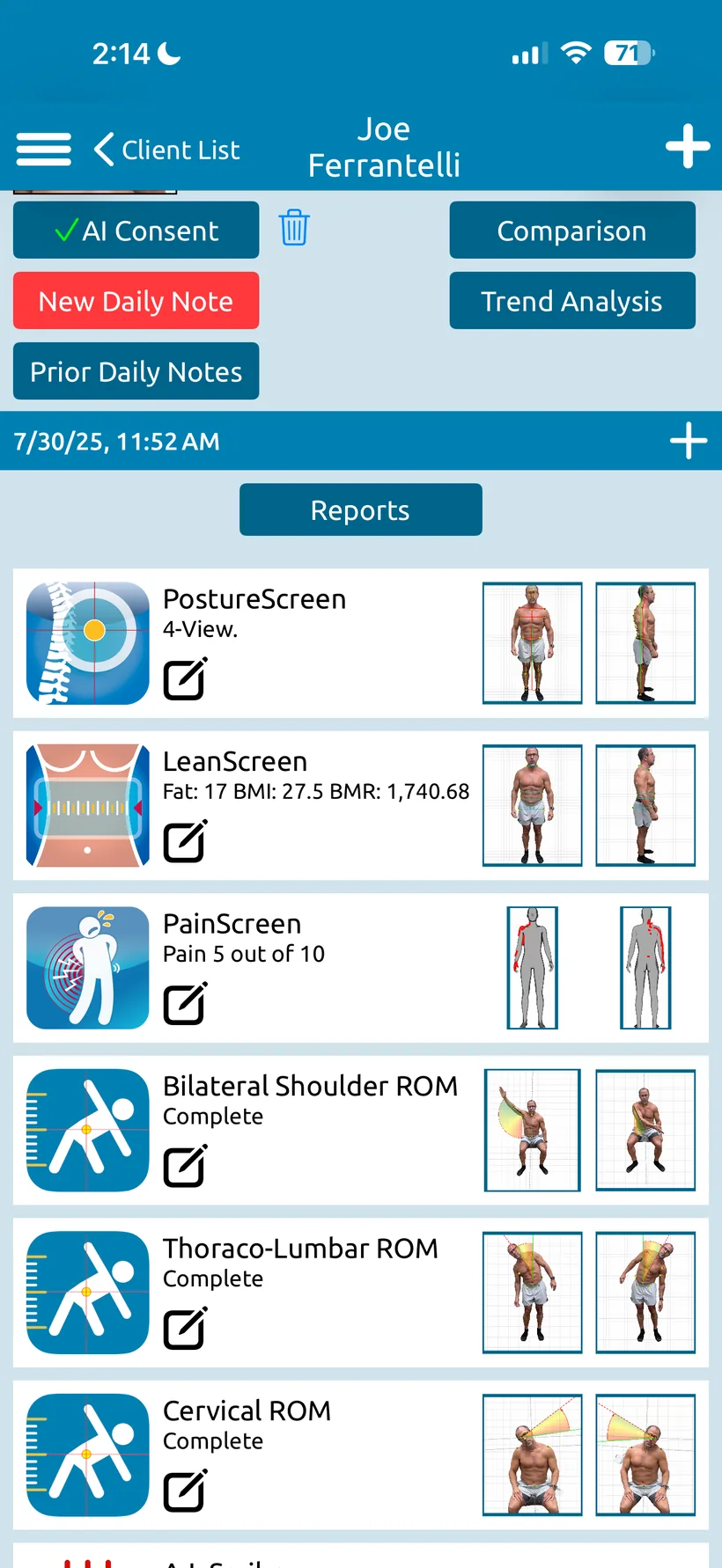
Advanced features such as movement screens, video recordings and high-volume image capture consume storage quickly.
Our recommendation: if your budget allows, choose a larger storage capacity to avoid limits over time.
Cloud Services
Cloud backup supplements storage. It doesn’t replace it.
Can you buy a smaller device and lean on the cloud instead? Partly. PostureScreen® Cloud Services back your data up, so you can free space on the device and bring clients back when you need them.
- Backed up to the cloud. Data is backed up, not synced in real time.
- Free up space by deleting clients locally once they are backed up.
- Re-download later whenever you need a client again.
- Share across your devices: client files are shared between your iPads and iPhones, and Cloud Services unlock RemoteScreen, for remote assessments that come to you first to verify; clients never see results in RemoteScreen.
Cloud Services in short
- Backup
- Automatic for new evaluations and updates
- Not
- Real-time syncing, or a replacement for device storage
- Login
- Your cloud login is not tied to your Apple ID
- Price
- Starting at $9.99 USD/month
Multiple devices
One subscription. Up to 10 devices.
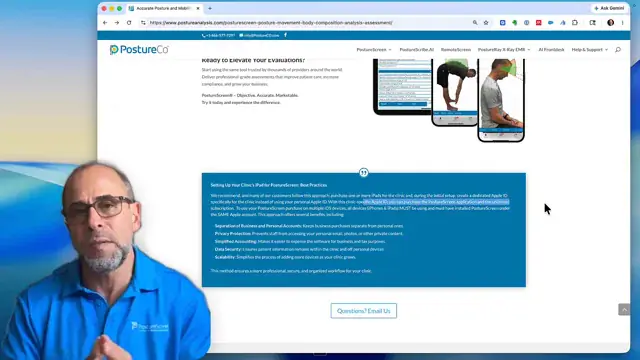
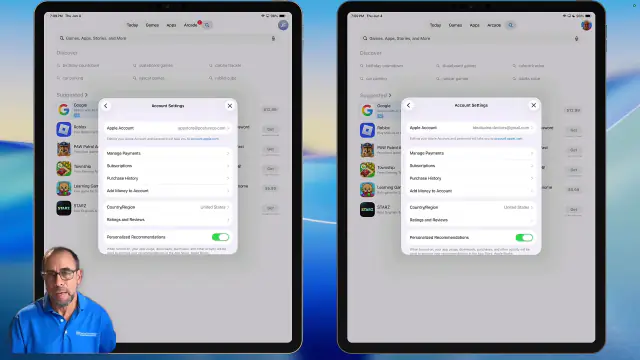
One PostureScreen® subscription works on up to 10 iPads and iPhones, at no additional cost, as long as every device uses the same Apple ID.
- The same Apple ID everywhere. Every installation must have been purchased with the Apple ID that bought PostureScreen® and the Unlimited Assessment Subscription.
- Switching later doesn’t carry it over. Apple does not recognize the subscription under a different Apple ID, and Family Sharing does not share it.
- More than 10 devices? Use an additional Apple ID with another subscription, or move to PostureScreen® Enterprise.
Use a dedicated Apple ID for your business
We strongly recommend creating an Apple ID for the practice instead of using a personal one.
- Separate accountingKeeps business purchases and billing apart from personal ones.
- PrivacyKeeps staff out of your personal data, such as photos and messages.
- Cleaner managementSimplifies device and subscription management across your organization.
Before you buy
Five recommendations.
- 01
Buy newer
Choose a newer, higher-capability iPad whenever possible.
- 02
Buy more storage
Especially if you plan to use video or other advanced features.
- 03
Back up to the cloud
Use cloud backup to manage and offload data, not to replace storage.
- 04
Use a business Apple ID
Set up a dedicated Apple ID for your business.
- 05
Check Apple’s lists
Review Apple’s compatibility pages before purchasing.
Watch
Setting up more than one device.
Straight answers
Questions, answered.
Still wondering? Call 866-577-7297 or send us a message.
What iPad should I buy for PostureScreen®?
The most capable iPad you can reasonably afford. Newer iPad Air or iPad Pro models receive updates for longer, perform better with newer versions of iPadOS and give your practice a longer usable lifespan. Avoid the lowest-tier, refurbished or oldest new model available.
What iOS or iPadOS version is required?
PostureScreen® requires iOS 26 or iPadOS 26 or later. Apple lists the compatible iPad models and iPhone models.
How much storage do I need?
For posture exams alone, even a base model stores thousands of exams. Movement screens, video recordings and high-volume image capture consume storage quickly, so choose a larger capacity if your budget allows.
Can I use cloud storage instead of buying a larger device?
Partly. Cloud Services back your data up to the cloud (it is not real-time syncing), so you can delete clients locally to free space and re-download them later. Use the cloud as a supplement to adequate device storage, not a replacement.
Does one subscription work on multiple devices?
Yes. One subscription supports up to 10 iPads and iPhones under the same Apple ID. Every device must use that same Apple account; Family Sharing does not share the subscription.
What if I need more than 10 devices?
Use an additional Apple ID with another subscription, or consider PostureScreen® Enterprise, which is billed per login.
Should I use my personal Apple ID for my business?
No. We strongly recommend a dedicated Apple ID for your business: it keeps accounting and billing separate, keeps staff out of your personal data, and keeps device and subscription management clean across your organization.
Is my Cloud Services login tied to my Apple ID?
No. Your Apple ID buys and installs the app and its upgrades; your PostureCo™ cloud login controls access to your client records, and you can create more cloud logins as you need them. PostureCo™ Cloud in the browser (coming soon with the Diamond plan) will have up to 10 seats: people signed in at the same time.
Knowledge base
Related knowledge base articles
- GuideUsing PostureScreen on Multiple Devices (iOS)
- GuideHow to identify your Apple account?
- GuideUNLIMITED use Subscription
- GuideHow to Check Available Space on iPad
- GuideCloud Backup (formerly known as SyncScreen), RemoteScreen and Backup
- GuideCloud Backup Services – Manage device space, deleting examinations
- GuideIs PostureScreen Cloud backup Services Tied to Apple ID?
- GuideHow to Subscribe to our Cloud Service
- GuideEnterprise version of PostureScreen
Research
Scientifically validated.
Professionally trusted.
Verified counts, as of October 2026.5 See every study
- 157
- published studies have used or validated PostureScreen®
- 133
- of them are peer-reviewed journal articles
- 62
- publications on the PostureRay research page
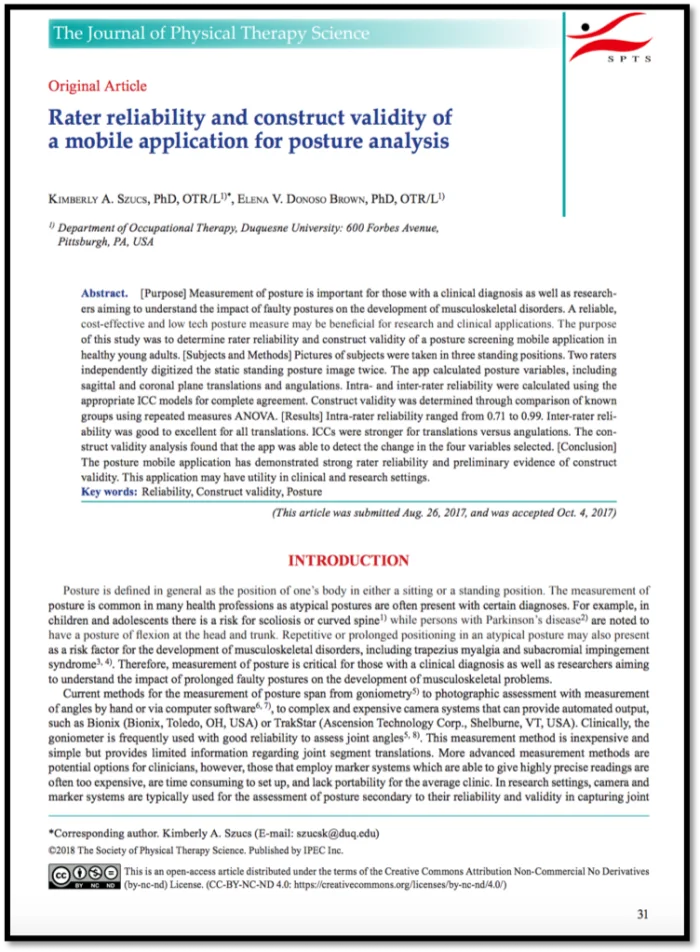
“The PostureScreen mobile application has demonstrated strong rater reliability and preliminary evidence of construct validity.”
Rater reliability and construct validity of a mobile application for posture analysis. J Phys Ther Sci, 2018

The right iPad, then PostureScreen®.
$59.99 USD to start, with 30 days of unlimited use. Then $24.99 USD/month or $249 USD/year for unlimited assessments.

Questions? Call 866-577-7297 or send us a message