











Importing Photographs from Camera Roll
Summary
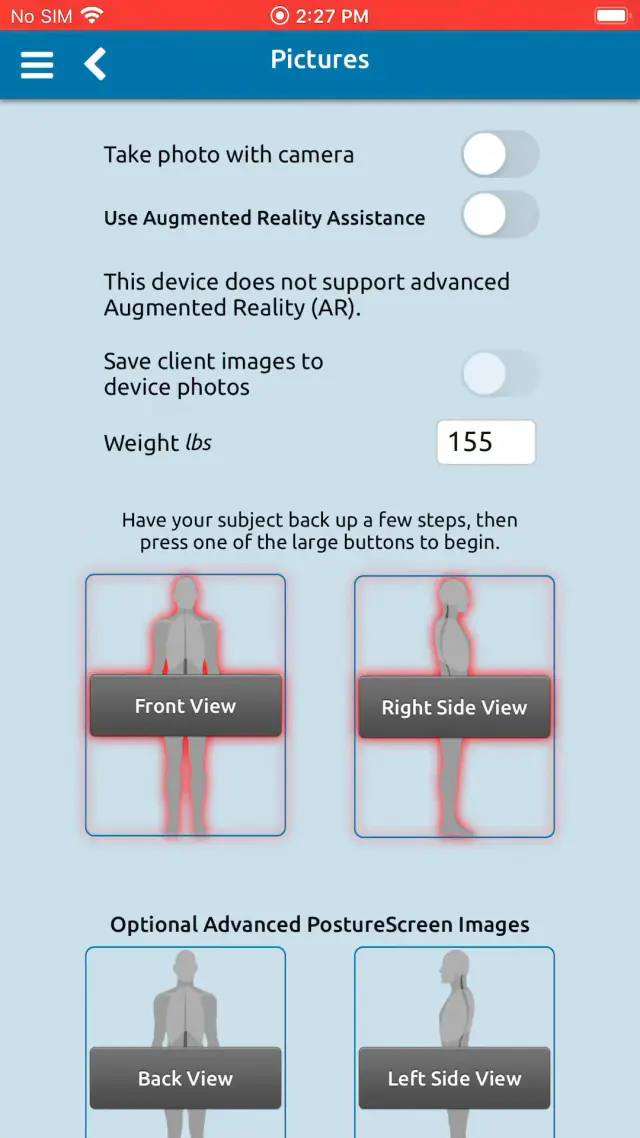
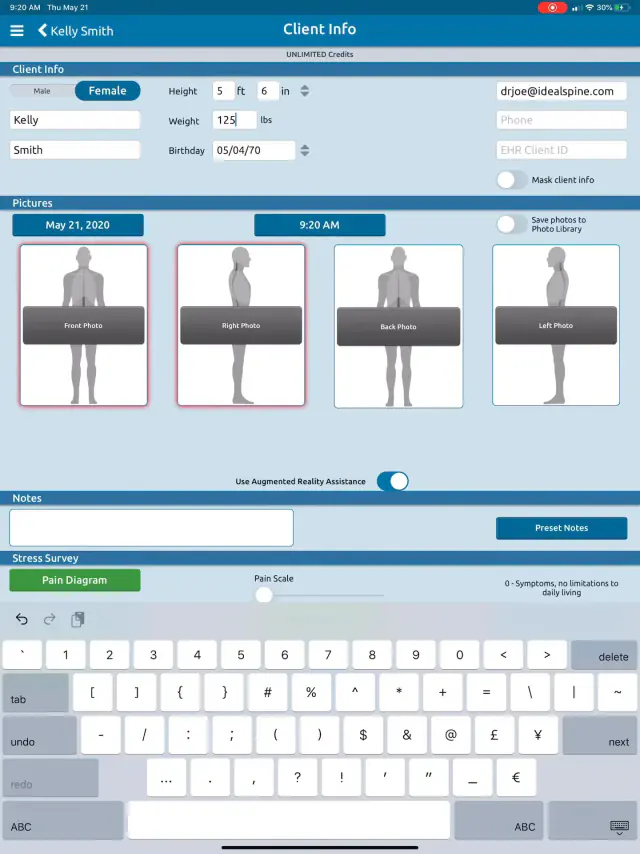
PostureScreen can use photos that were not taken directly through the application itself. Alternatively you can also use RemoteScreen with our Cloud backup services to assist in this as well. https://www.postureanalysis.com/remotescreen/
If sending your photos, all you need to do is get the photographs onto your iPhone or iPad where PostureScreen is installed. There are countless ways to do this. You can use email and save the images, or use Dropbox, Box, iCloud, etc., literally countless methods. These are third-party services you choose, not part of PostureCo’s services, and no agreement with PostureCo covers them. If you are a HIPAA covered entity or business associate, use RemoteScreen with PostureCo Cloud Services, mentioned above, under a business associate agreement (BAA) we sign for U.S. healthcare practices on request, or a business email or file-sharing account covered by your own BAA with that company. If you work in health and fitness only, which method you use is up to you.
Patient information and Apple iCloud: iCloud Backup, iCloud Photos and iCloud Drive are Apple services, not part of PostureCo’s services, and no agreement with PostureCo covers them.
- If you are a HIPAA covered entity or business associate (most practices that bill health insurance electronically are), you should take these precautions, because Apple’s iCloud terms do not allow you to use iCloud for protected health information (PHI): do not use iCloud to send patient photographs; turn off iCloud Backup for PostureScreen (Settings > [your name] > iCloud > iCloud Backup, or Storage > Backups, then choose this device and turn off PostureScreen); turn off “Save images to device Photos app” and “Save videos to device Photos app” in PostureScreen and keep patient photos out of the Photos app (with iCloud Photos on, they upload to iCloud; with it off, iCloud Backup can include them), deleting imported photographs from it and from its Recently Deleted album once they are in PostureScreen; and back up with PostureCo Cloud Services (Cloud Backup in the app), under a BAA we sign for U.S. healthcare practices on request, or an encrypted computer backup you control.
- If you work in health and fitness only and are not covered by HIPAA, these precautions are recommended but optional. Whether you take them is up to you, as long as you follow any other privacy law that applies to you.
See Section 7 of our Terms of Service.
Please see the following tutorials.
 1:28
1:28
 1:52
1:52
Related articles
-
 PostureScreen for iPad & iPhone
Anatomical Landmarks for Posture Analysis
In this tutorial we will review the basic overview of the anatomical landmarks for postural assessment using PostureScreen Mobile. Please…
Video · 3:441 min read
PostureScreen for iPad & iPhone
Anatomical Landmarks for Posture Analysis
In this tutorial we will review the basic overview of the anatomical landmarks for postural assessment using PostureScreen Mobile. Please…
Video · 3:441 min read
-
PostureScreen for iPad & iPhone
Cloud Backup (formerly known as SyncScreen), RemoteScreen and Backup
What is our Cloud Solution: Cloud Backup Subscription Service (formerly known as SyncScreen Cloud)
8 videos · 37:426 min read
-
PostureScreen for iPad & iPhone
Getting Started with PostureScreen, LeanScreen, SquatScreen Range of Motion, and PostureScribe.AI
Basic Training Tutorials to get started using PostureScreen
1 min read
-
PostureScreen for iPad & iPhone
How is posture analyzed in the app? Interpretation of reports
Question: How does PostureScreen Mobile analyze the general points?In General, the posture is analyzed from the region above to the region…
Video · 8:311 min read
-
PostureScreen for iPad & iPhone
PostureScreen (iOS) – Your First 2-View Posture Assessment
The following tutorial videos will demonstrate how to setup and properly perform a PostureScreen exam on the Apple iOS version. CLOTHING…
3 videos · 25:306 min read
-
PostureScreen for iPad & iPhone
PostureScreen Overview
If you are a Chiropractor, Physical Therapist, Strength and Conditioning Specialist, Athletic Trainer, Fitness Trainer/Professional or…
Video · 10:591 min read
Have a question?
Talk to the people who build PostureScreen and PostureRay.
PostureScreen support is by email. Live PostureRay support runs Monday through Friday, 9 AM–5 PM Eastern (excluding U.S. holidays).